Microsoft · Interaction Design

Hidden in Plain Sight

The most ambitious sustainability work on Microsoft's campus is the part you can't see. This is the layer that reveals it.

Problem
A physical sign can only describe what you can stand next to — the deepest carbon work on campus stays invisible.
Role
Lead Product Designer — end to end
Timeline
2023
Platform
iOS · AR · Fluent 2
Outcome
Exec-approved in <100 days · now in beta
Key Contribution
On-site testing · mapped 35 features · AR interaction model + content system
03Screens
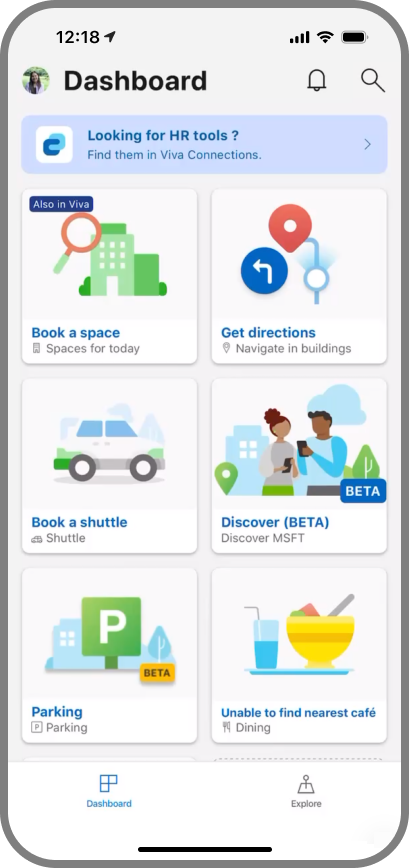
Dashboard — the AR experience inside Microsoft's Viva employee app
Screen 00
Dashboard
Lives inside Microsoft's Viva employee app
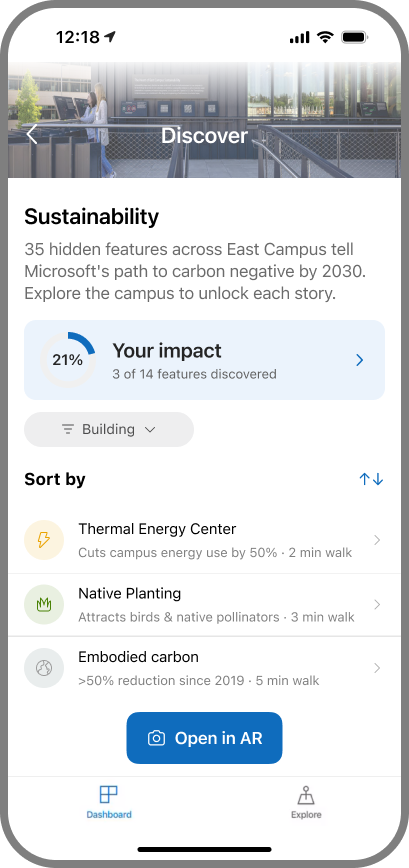
Discover — 35 hidden sustainability features across East Campus
Screen 01
Discover
35 hidden features to unlock across campus
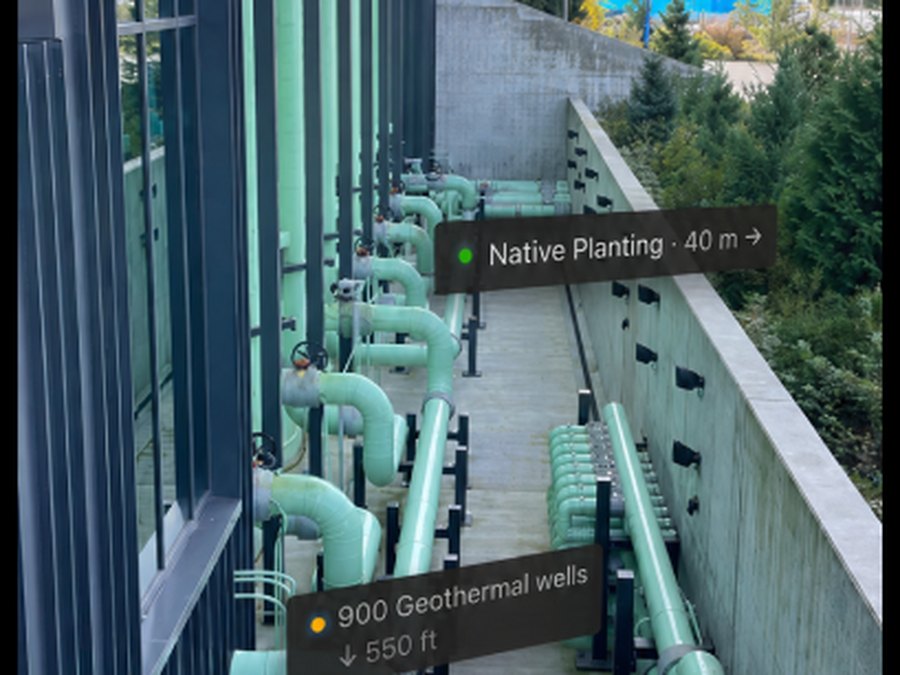
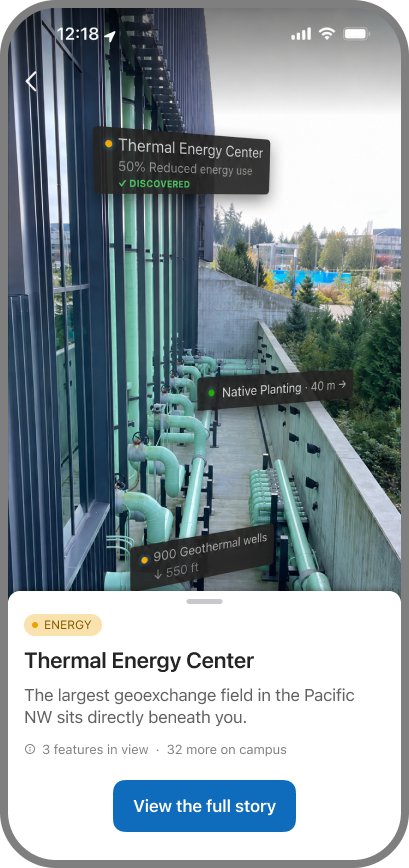
AR Camera Overlay — carbon stories pinned to the real building
Screen 02
AR Camera Overlay
The AR lens — carbon stories on the real building
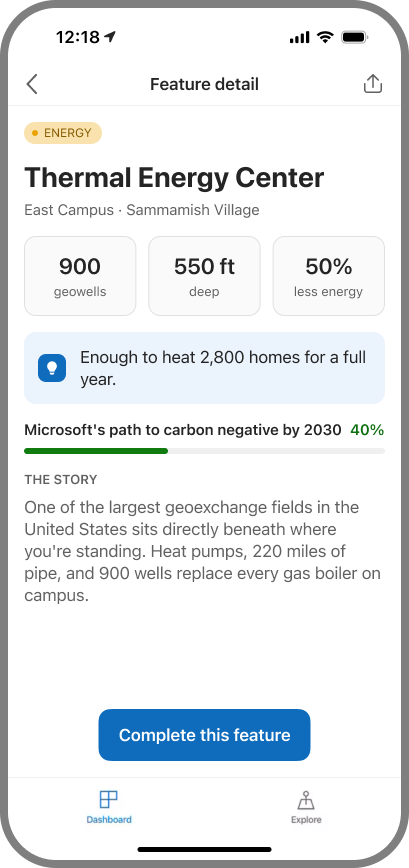
Feature Detail — the full story behind one feature
Screen 03
Feature Detail
The full story behind one feature
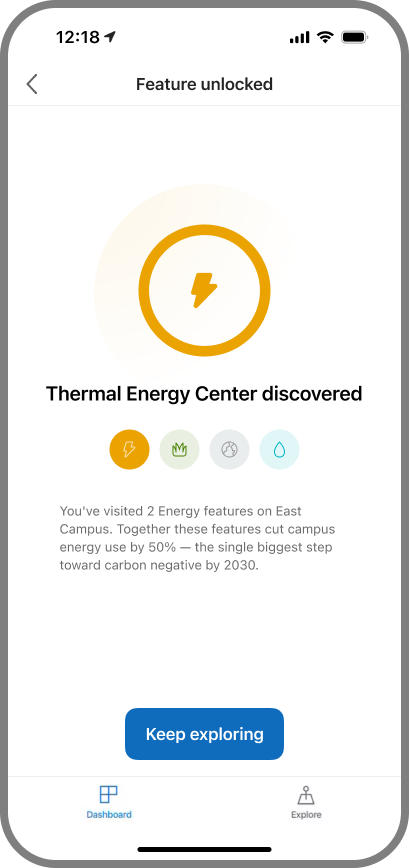
Milestone — feature-unlocked moment after a discovery
Screen 04
Milestone
Discovery unlocks a milestone moment
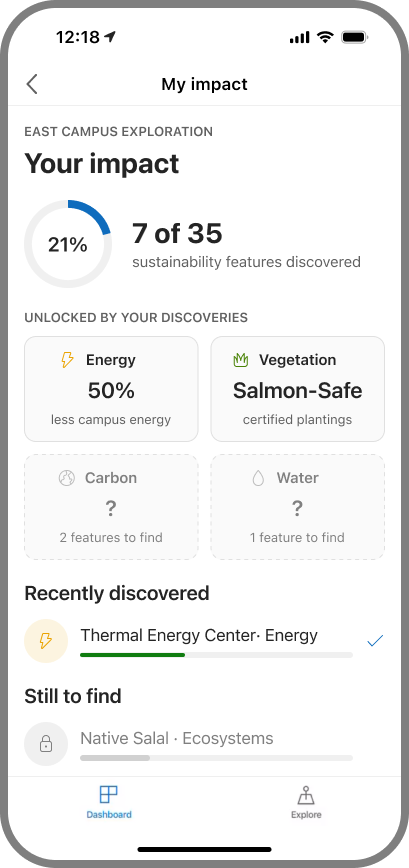
My Impact — discovery-linked sustainability stats
Screen 05
My Impact
Discoveries unlock category-linked impact stats
04The Story

This was never a signage problem. It was a storytelling problem.

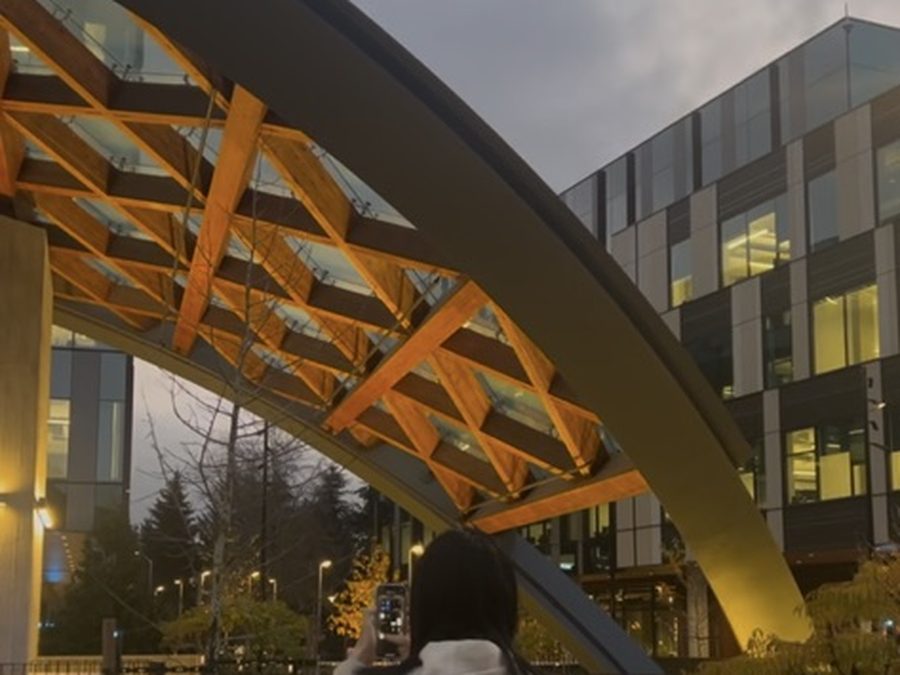
Microsoft's East Campus is being rebuilt as one of the most sustainable corporate campuses in the world — geoexchange wells drilled hundreds of feet into the ground, buildings framed in mass timber, parking lots turned back into salmon-bearing streams.

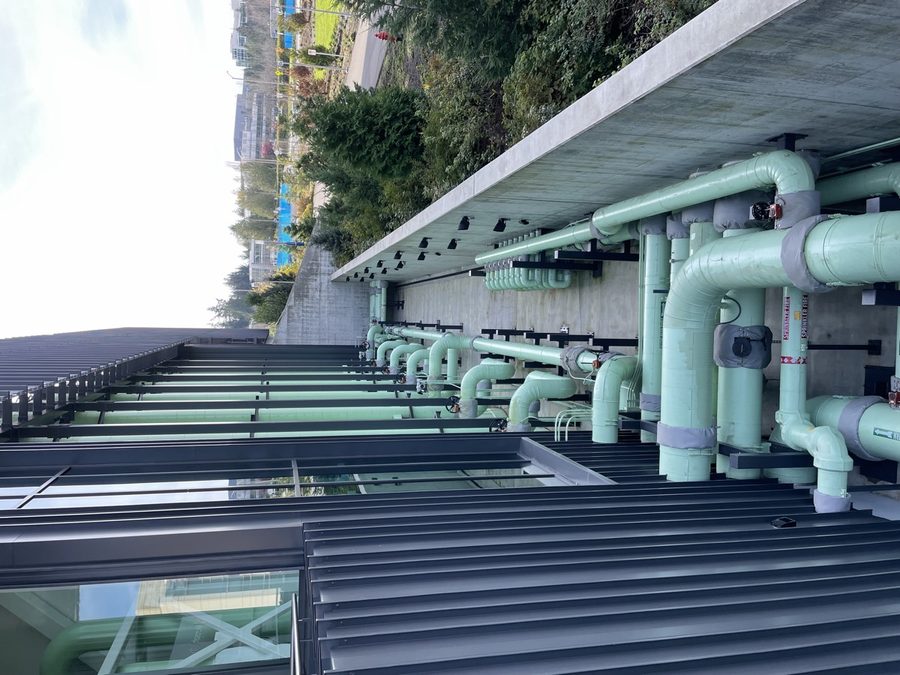
But a sign can only tell you about something you can stand next to. The deepest sustainability work on campus is, almost by definition, the part you can't see: buried infrastructure, material choices sealed inside a wall, systems humming behind a locked door.

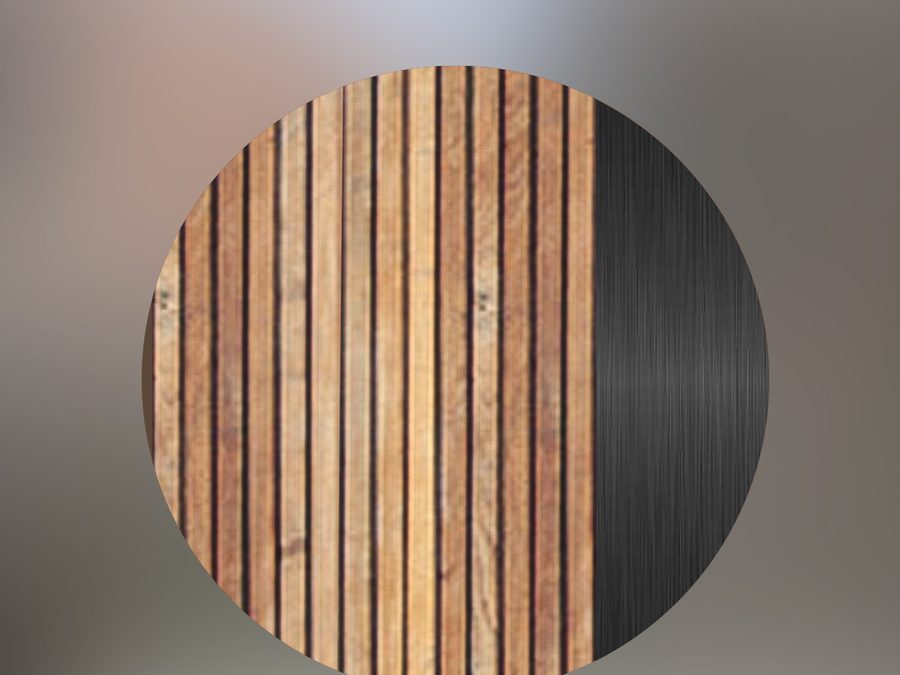
The brief revealed itself in a cut. One sign — about salvaged wood reused in the interior furniture — was removed from the project with a single note: not clearly visible from the exterior; cover through other means.

The opportunity emerged during content planning. One sustainability story about salvaged wood reused in interior furniture was removed from the signage program because it wasn't visible from outside the building. That decision exposed a larger problem: physical signs had reached their limit.

Rather than designing more signage, I designed a digital layer that extends it. Visitors scan an existing sign and unlock an AR experience anchored to the exact location, revealing sustainability stories. Now the building tells its own story. You pass a stand of native plants, or a quiet mechanical room, and the carbon work running underneath becomes something you can see, follow, and feel part of — hidden in plain sight, until it isn't.

05In context

The core flow is one piece. Around it, the system has to meet two kinds of people, point them through real space, and hold up outdoors.

For employees — the ambient entry

A nudge in MyHub, not another app

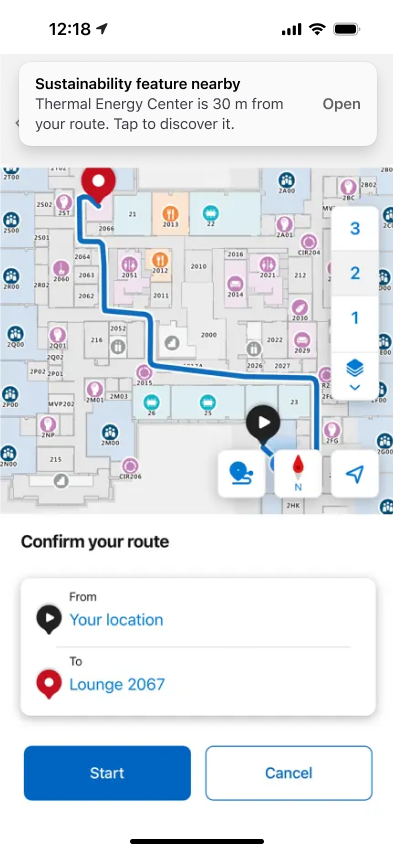
The moment an employee crosses into the East Campus Modernization zone, a proximity notification surfaces the story they're standing next to — on the lock screen, or as a banner inside MyHub. No app to hunt for, no QR to scan; the campus comes to them.

Option A · App in foreground
While actively navigating
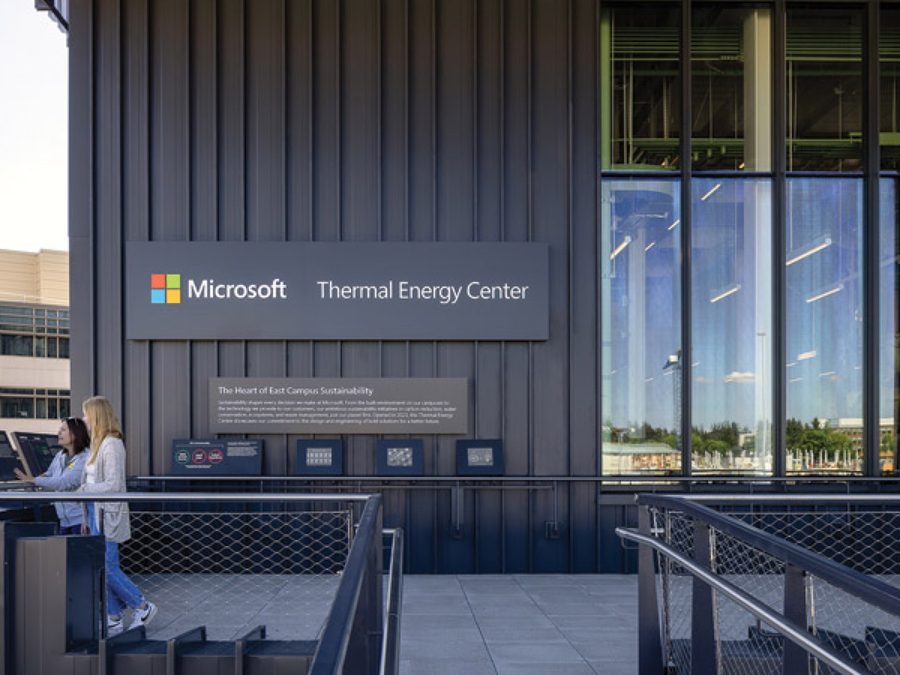
The employee is using indoor wayfinding to a room. An iOS banner drops from the top when they pass near the Thermal Energy Center — navigation is never interrupted; they tap only if curious.
In-foreground banner
No push permission needed
App is already open and routing, so iOS shows the banner with zero extra approval.
Trigger
Existing geofence, reused
The 30-metre radius fires from MyHub's current indoor positioning — no new infrastructure.
Visual system
Green = sustainability
Distinct from blue nav pins. A dashed spur marks it as an optional detour, not the route.
MyHub routing screen with in-foreground sustainability banner
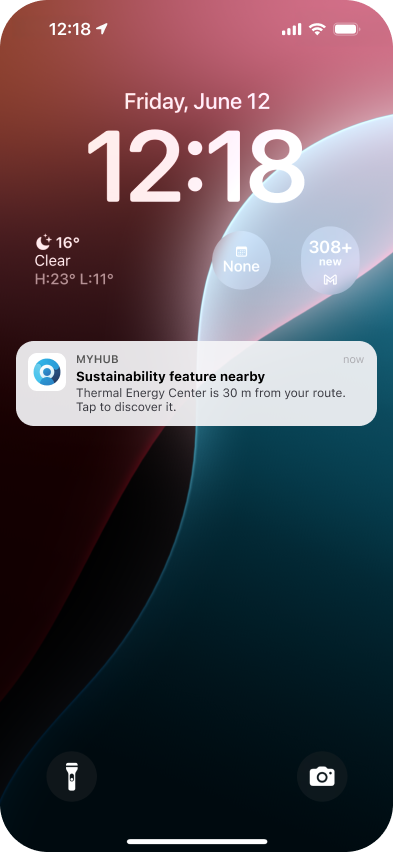
Option B · Phone locked
While walking past, phone in pocket
The employee isn't in the app at all. The same geofence delivers a standard lock-screen notification — catching passive campus walkers who'd never open Explore on their own.
iPhone lock screen with MyHub sustainability notification
Standard push
Lock-screen notification
Real MyHub app icon, native iOS notification — using the push opt-in employees already grant for shuttle & booking alerts.
Tap target
Opens straight into AR
Tapping deep-links past the home screen to the feature's AR discovery view — no hunting required.
For visitors — scan to enter

The sign is already the doorway

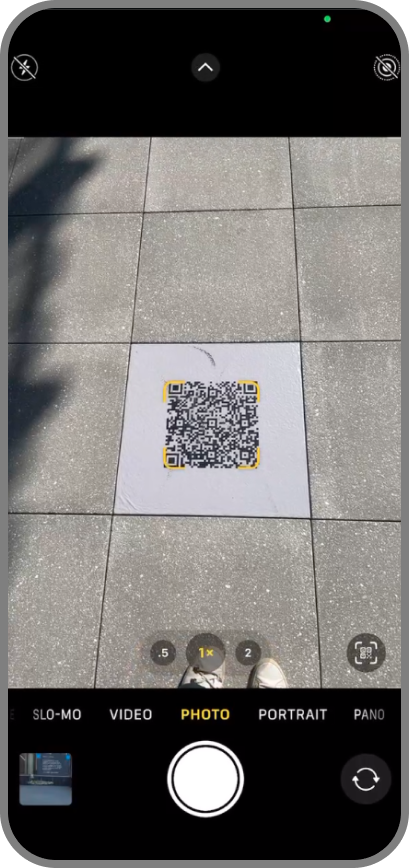
No app to download, no account to make. A visitor points the camera they already carry at the QR on an existing sign, and the AR story loads in place — the static panel becomes a doorway.

Native camera scanning a QR code printed on a campus sign
Scan — the existing signPoint the native camera at the QR already printed on the campus signage. Nothing to install; the sign on the wall is the entry point.
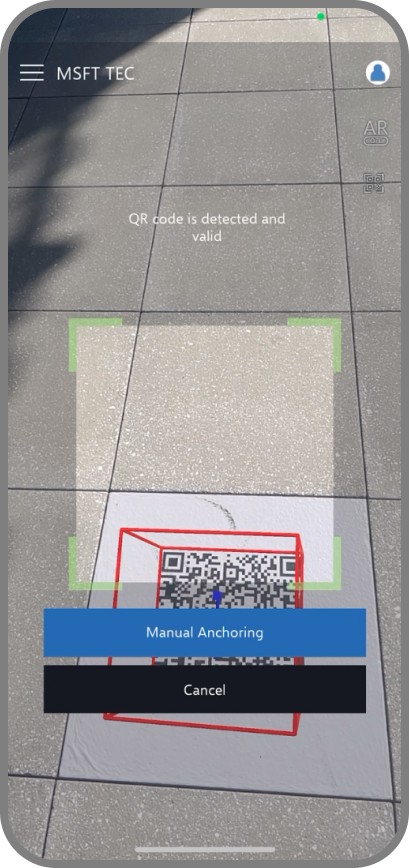
QR detected, the AR layer anchoring to the location
Anchor — story loads in placeThe code is recognized and the AR layer anchors to the exact spot, so the story appears where the visitor is standing.
Wayfinding — discovery, mapped

Every story pinned to where it lives

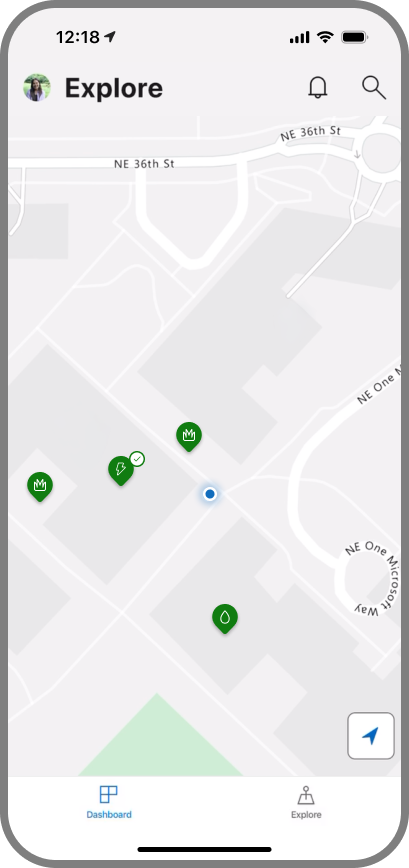
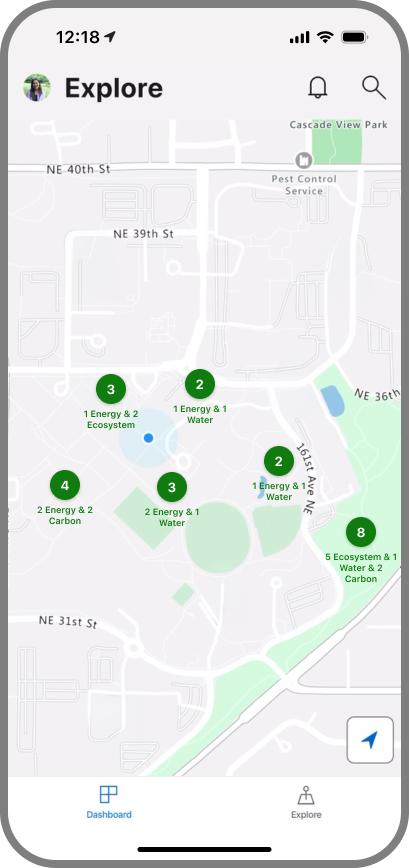
An Explore map keeps the digital layer and the physical campus in sync — each sustainability feature sits exactly where it stands, so discovery feels like exploring a place, not scrolling a list.

Explore map with sustainability features pinned at their real campus locations
In placeEach feature pins to its real location on campus, so the map and the building stay in sync as you walk.
Zoomed-out Explore map clustering features by campus zone
Whole campusZoom out and features cluster by zone — a quick read on how much there is to find across East Campus.
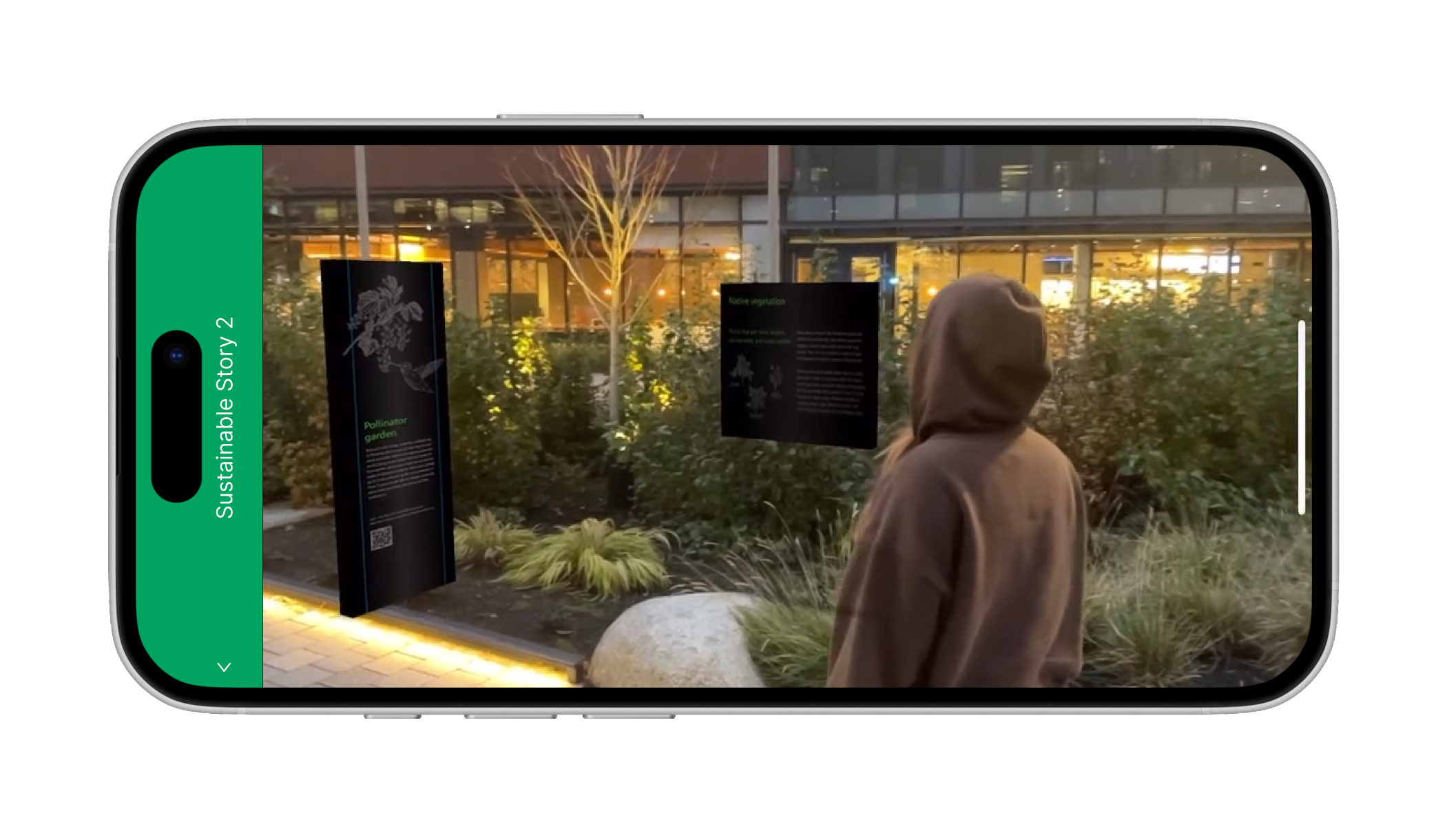
On-site testing of the AR overlay against the real campus environment
On-site testing
06Outcome
<100 days
from first concept to executive approval
+38%
lift in understanding of a space's carbon cost (beta study)
71%
of beta users discovered 3+ features in their first week
Next project
One App, One Language — Napoz